
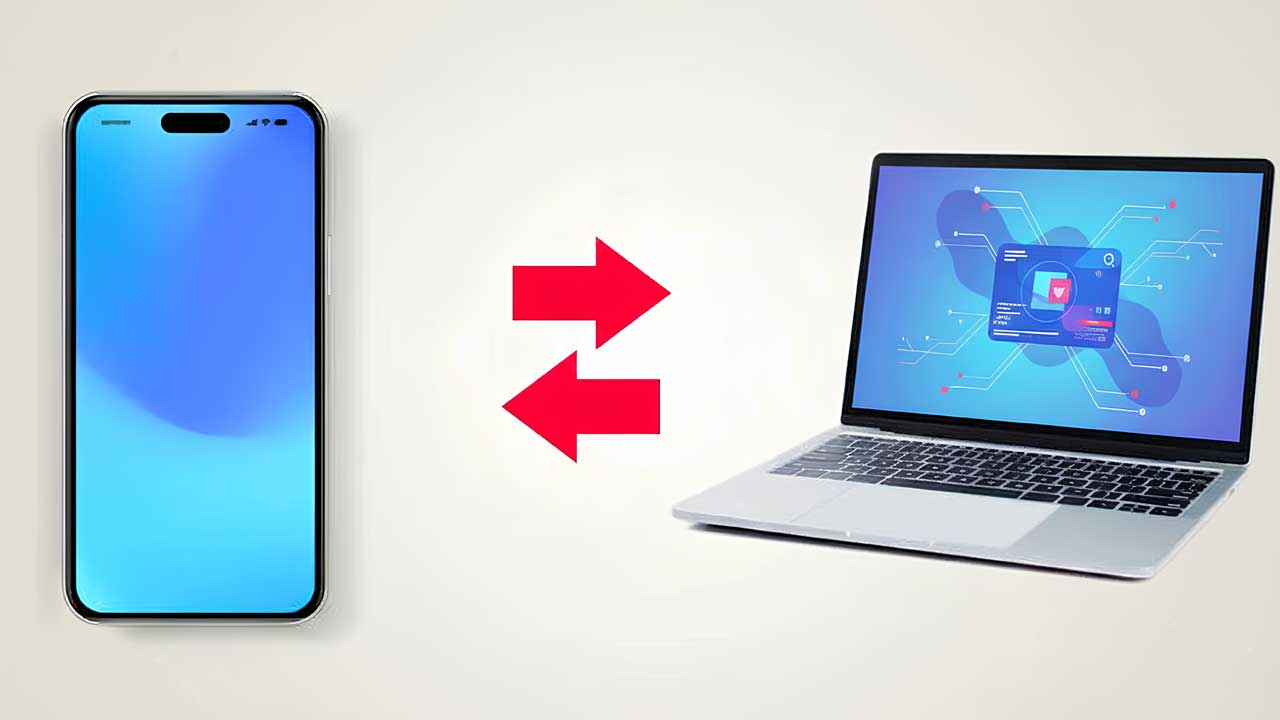
Introduction about High-Speed FTP File Transfer Over WiFi
WiFi FTP Server App: A Deep Exploration of Wireless File Sharing Without Cables — imagine moving large files between your phone and computer without touching a USB cable, without cloud uploads, and without waiting for slow transfers. That is exactly the quiet power of a WiFi FTP Server app. It transforms a regular smartphone into a miniature server that can communicate directly over a local network, creating a seamless bridge between devices that feels both technical and surprisingly simple once understood.
What a WiFi FTP Server App Actually Does
A WiFi FTP Server app enables your mobile device to share its storage over a wireless network using the File Transfer Protocol (FTP), allowing files to be accessed through a web browser or FTP client connected to the same WiFi network. Instead of depending on external services or cloud platforms, all transfers take place locally, resulting in faster speeds, improved privacy, and no reliance on internet bandwidth. This makes it particularly useful for users who frequently transfer media, documents, or backups between multiple devices.
How the Core Technology Works Behind the Scenes
When the app is activated, it assigns your device a local IP address and opens a communication port that can be accessed by other devices on the same WiFi network. This setup effectively turns the smartphone into a lightweight server capable of handling real-time file requests. All interactions are managed through structured commands, ensuring that uploads, downloads, and file browsing are performed in an organized and secure way, without requiring complex manual configuration from the user.
User Experience and Interface Design Philosophy
Most WiFi FTP Server apps are designed with simplicity in mind, focusing on one-tap activation and minimal technical barriers. The interface typically displays connection details such as IP address, port number, and login credentials, allowing even non-technical users to connect easily. Despite the underlying complexity of networking protocols, the visual experience remains clean and intuitive, reducing the learning curve and making advanced file sharing accessible to everyday users.
Security Layers and Data Protection Considerations
Security is a key aspect of WiFi-based file transfer, and modern WiFi FTP server apps address this by including password authentication along with optional encryption features. By limiting access to authorized users on the same network, the app helps protect personal files from unauthorized viewing or browsing. In more advanced versions, directory-level permissions are also available, allowing users to control which folders are accessible while keeping sensitive data hidden, all while maintaining smooth and efficient file sharing between trusted devices.
Speed Advantages Compared to Cloud Transfers
One of the major advantages of a WiFi FTP Server app is its high transfer speed, made possible through local network communication. Unlike cloud-based file sharing, which relies on internet upload and download limits, FTP transfers occur directly over a local connection between devices. This significantly improves speed, especially when moving large video files, app backups, or high-resolution images. As a result, it becomes a practical solution for content creators and professionals who regularly manage and transfer large amounts of data.
Offline Accessibility and Independence from Internet Services
Another key advantage of these apps is their ability to work entirely offline, as long as both devices are connected to the same WiFi network. This removes the need for an active internet connection, user accounts, or third-party cloud services. In situations where internet access is limited or unavailable—such as remote workplaces, classrooms, or institutional setups—the app serves as a dependable file-sharing solution that continues to function smoothly without relying on external systems.
Compatibility Across Multiple Platforms and Devices
WiFi FTP Server apps offer broad compatibility across multiple operating systems, including Windows, macOS, Linux, and even smart TVs that support network browsing. This cross-platform flexibility ensures users are not limited by device ecosystems. Whether accessing files from a laptop, desktop, or tablet, the standardized FTP protocol provides consistent connectivity across all supported devices, making it a versatile and universal solution for wireless file management.
Customization Features for Advanced Users
Beyond basic file transfers, many WiFi FTP Server apps also provide advanced customization options such as port selection, anonymous access control, and background service mode. These features allow power users to configure the app according to their specific workflow needs. For instance, developers and tech enthusiasts can keep the server running continuously while working, ensuring uninterrupted file access without the need to repeatedly restart connections.
Practical Use Cases in Daily Digital Workflows
From transferring edited videos to backing up important documents, the app integrates smoothly into modern digital workflows. Students can quickly move study materials between devices, photographers can instantly transfer RAW images, and office professionals can share presentations without the limitations of email or external services. Its ability to provide fast, direct wireless access makes it a reliable tool for both personal and professional use cases, where speed, convenience, and control over files are equally essential.
Resource Efficiency and Battery Impact
Unlike heavy file-sharing platforms that rely on multiple background processes, a well-optimized WiFi FTP Server app uses relatively minimal system resources. It activates network services only when required and can be stopped instantly to help conserve battery life. This efficient design ensures that extended usage has little impact on overall device performance, making it a practical option even for older smartphones with limited processing power and storage.
Future Relevance in a Wireless-First Ecosystem
As digital environments continue to move toward wireless connectivity and cable-free workflows, WiFi FTP Server apps are becoming increasingly important. They align with the rising demand for decentralized file management and fast local data transfers. With continuous advancements in network technology and device compatibility, these apps are expected to evolve further, introducing smarter automation and more secure file-sharing experiences while maintaining simplicity, speed, and ease of use.
Files move quietly across a private network, devices communicate seamlessly, and users retain full control over their data environment—this reflects the subtle strength of a WiFi FTP Server app. It combines technical sophistication with everyday usability, resulting in a tool that feels both invisible and powerful. In doing so, it enhances productivity while maintaining privacy, efficiency, and control in today’s increasingly wireless digital ecosystem.
Related to this post : Online Voter Verification and Electoral Data Access with ECINET App


